
See what's out there.
KestrelOne is a portable traffic receiver. It picks up the aircraft around you and puts them on the moving map you already fly with.
- SkyDemon & ForeFlight
- ADS-B and PilotAware
- 10+ hour battery

Two receivers, listening at once.
1090 MHz for transponders and ADS-B, and 868 MHz for PilotAware and the low-power networks flown by gliders and paragliders.
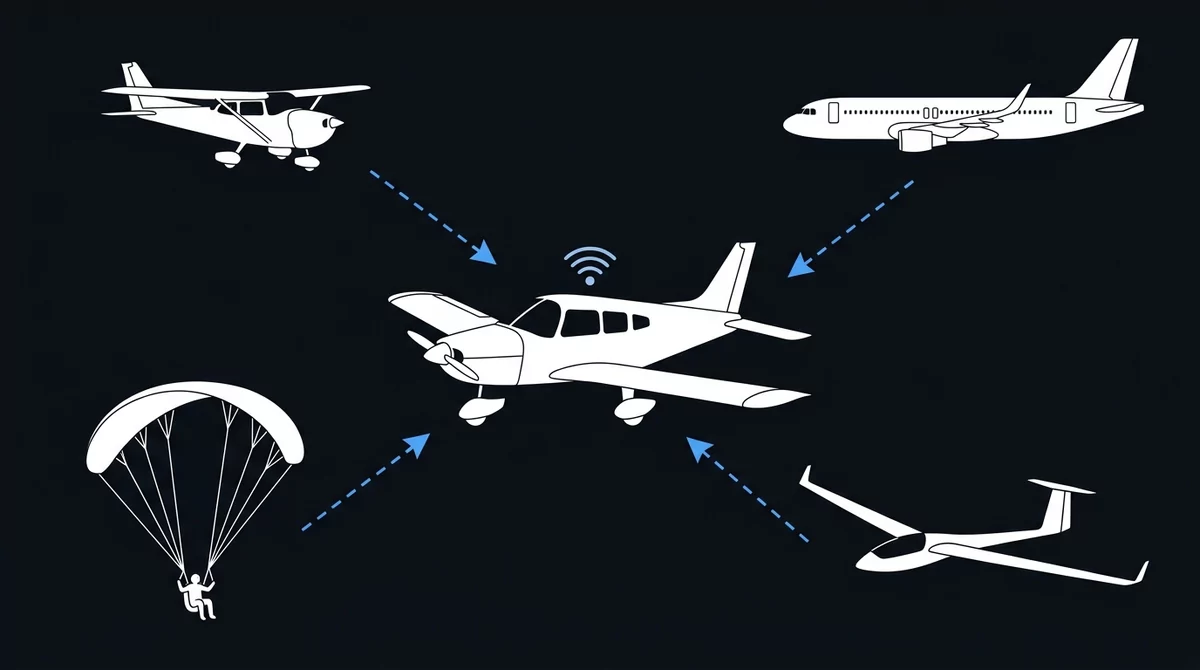
On your map today
- ADS-B Position, altitude, callsign and climb rate from transponder-equipped aircraft, on 1090 MHz
- PilotAware The P3I network on 869.5 MHz, widely flown in UK GA
Heard, not plotted
- Mode S Transponders without ADS-B. Their replies carry no position, so they cannot be placed on a map
In development
- OGN Gliders, tugs and the Open Glider Network
- FANET Paragliders and hang gliders
- ADS-L The open EASA-backed standard
KestrelOne is a receiver, so it works alongside your transponder rather than replacing it — that is still what makes you visible to others. It shows what it can hear, which is never quite everything, so it belongs beside a good lookout rather than instead of one.
Built for the cockpit you already have.
No installation, no wiring, no subscription.
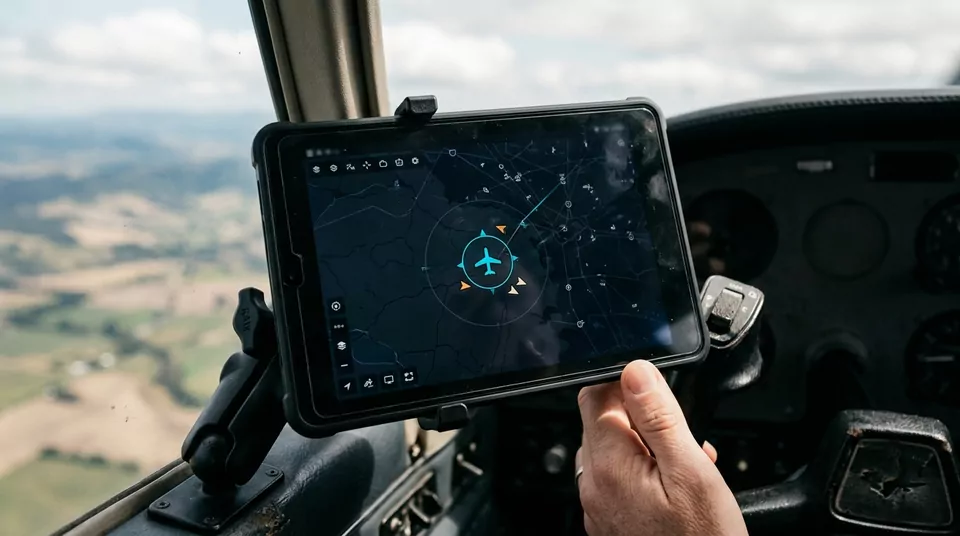
Straight to your EFB
Traffic goes out as standard GDL90 over WiFi, the format SkyDemon, ForeFlight and other flight apps take from a traffic receiver. The targets appear on the map you were flying with anyway.
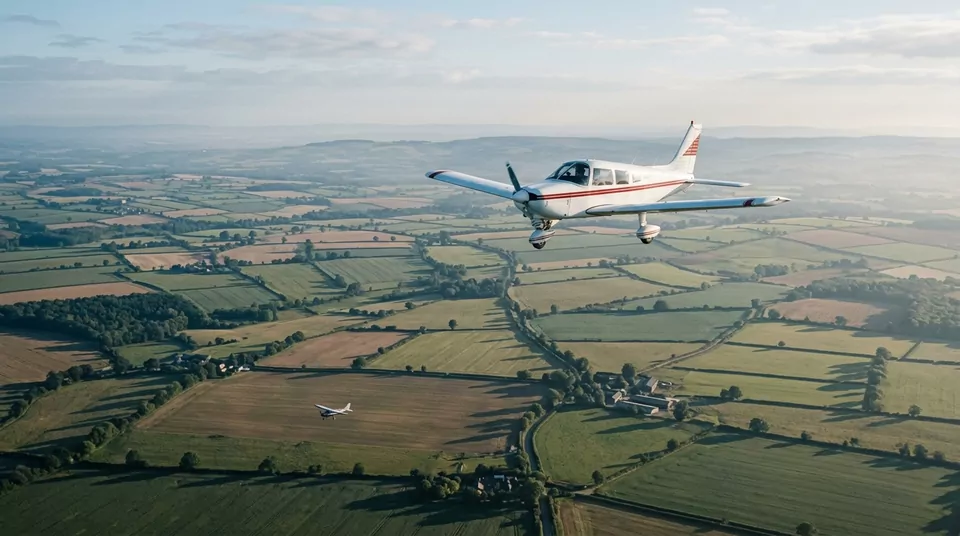
Knows where you are
A multi-constellation receiver fixes your position from GPS, GLONASS and Galileo together, and a barometer reads your pressure altitude. Nearby traffic is shown as height above or below you rather than as a number to work out.

Grab it and go
Runs for 10+ hours on its own battery, and charges over USB-C. Nothing wired into the aircraft, nothing to certify, and it moves between aircraft as easily as your headset.
Flying in four steps.
Nothing to install on the tablet beyond the app you already use.
- Switch it on Charge it over USB-C, then turn it on with the switch on its side. All three lights flash briefly as it starts. A view of the sky helps it find your position.
-
Join its WiFi
On your tablet, join the
KestrelOnenetwork. The password iskestrelone. The tablet may warn that this network has no internet: that is expected, so stay connected to it. - Start your app In SkyDemon, choose GDL90 Compatible Device when you start Flying mode. Other GDL90 apps listen on UDP port 4000; look in their external-device settings.
- Check it's working Open 192.168.4.1 on the tablet. The line at the top should read All good. If it says anything else, it tells you what to do.
Firmware …
Updates install over WiFi from KestrelOne itself, or from this site over USB. Your settings are kept.
Specifications
| Traffic reception | 1090 MHz ADS-B and Mode S — extended squitter, all-call and surveillance replies. 869.5 MHz PilotAware (P3I). |
|---|---|
| In development | OGN, FANET and ADS-L, on the same 868 MHz receiver |
| Transmission | None. Receive only. |
| Position | Multi-constellation GNSS — GPS, GLONASS and Galileo |
| Altitude | Barometric pressure altitude, 25 ft resolution |
| Output | GDL90 over WiFi (UDP 4000) — ownship, traffic and heartbeat. Works with SkyDemon and ForeFlight. |
| Network | Hosts its own WiFi (KestrelOne, password kestrelone), or joins your home WiFi when it is in range |
| Power | Internal lithium cell, 10+ hours tested under load. USB-C charging, battery gauge. |
| Interface | Built-in web page for traffic, signal quality and settings (192.168.4.1 on its own network) |
| Updates | Over WiFi from KestrelOne itself, or from this site over USB |